Subtitles
Regardless of the platform used to create a video, it’s essential that all subtitles within INTO branded videos are aligned in style, format and are embedded in the right way for each channel.
Video subtitles can be applied in two ways:
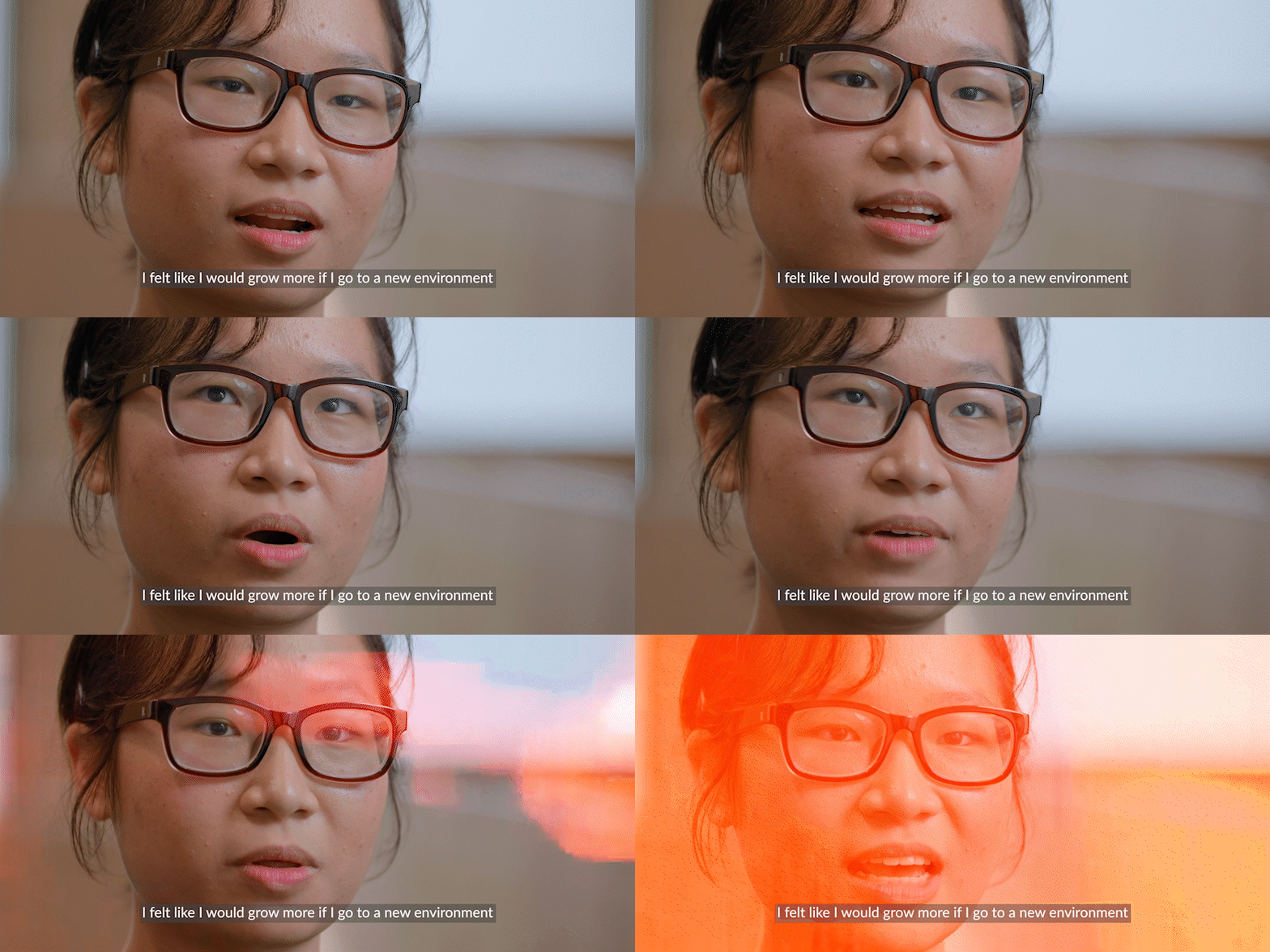
Burned-in captions
This means the subtitles are embedded within the video file. The burned-in captions contain our brand typeface for video subtitles when being distributed via channels such as Cloudinary.
Sidecar subtitle file
This is the process of creating a separate subtitle file which can be uploaded to platforms like YouTube alongside the video file. The video file itself doesn’t contain any captions. When applied to videos on YouTube, the social platform adopts their own font style. This method has important SEO benefits, allowing the video to be more easily searchable online.
-
In line with INTO’s style guide, we use American English across all our US and UK video assets. Videos for The University of Western Australia (UWA) are the only exception to this rule, using Australian English instead.
-
Subtitles should follow the pace of the speaker as closely as possible. Try to caption in full sentences rather than separating one or two words onto a separate caption line. This is to avoid words being read out of context if watched on mute.
-
Avoid flashing subtitles as much as possible by closing small gaps between captions. If there’s an extended break in speech, then try to align your cutting point of the subtitle with the end of a shot in your sequence.
-
To present subtitles in a clean format, we don’t use full stops or commas at the end of caption lines. Punctuation mid-sentence, such as commas, semi colons and colons should still be used where appropriate.
-
Ensure there are no empty character spaces at the beginning or end of caption lines.
-
If creating subtitles from scratch, please ensure you use the Lato Regular typeface and create a black shape layer behind the text to ensure it’s fully legible when overlaid across a variety of footage.
For Adobe Premiere Pro users, we’ve produced subtitle preset files which automatically display captions in the correct font and styling. For access to this, please contact videoteam@intoglobal.com